How NVIDIA's Sana Generates Images
Autoencoder, diffusion transformer, and the leap to 4K
Modern text-to-image models like DALL-E, Stable Diffusion, and Midjourney have revolutionized how we create images. Recently, NVIDIA introduced Sana, a remarkably efficient text-to-image model that achieves high-quality results with significantly fewer parameters than its competitors.

In this post, we dissect Sana’s key components to understand how it works — starting with its innovative autoencoder: the Deep Compression Autoencoder (DC-AE).
This is a slow walk through code and images, click here to jump ahead to the jupyter notebook.
How Text-to-Image Models Work
Image generating diffuser models typically consist of three main components:
- A text encoder that understands your prompt.
- An autoencoder that compresses images into a compact representation.
- A backbone model (usually a vision transformer) that gradually transforms random noise into your desired image.
Think of it like this: The text encoder is your translator, the autoencoder is your compression tool, and the backbone is the artist doing the actual drawing.
Why Do We Need Autoencoders?
Working with full-resolution images (say, 512x512 pixels) is computationally expensive. That’s where autoencoders (AEs) come in — they compress images into a more manageable form (called latent space) where the actual image generation happens. After generation, the AE decompresses the result back into a full image.
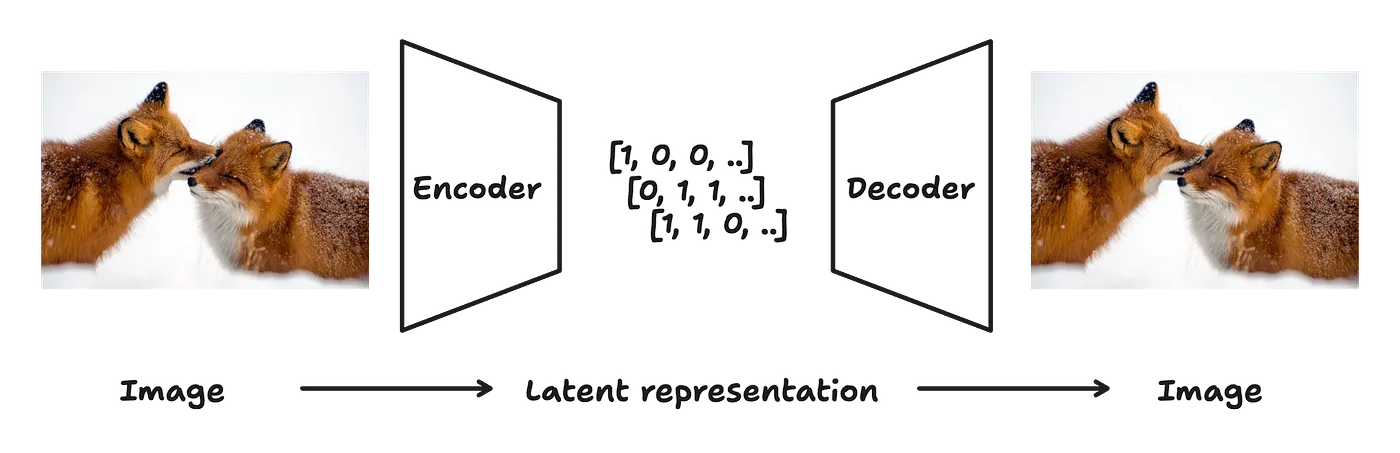
Traditional autoencoders like the one used in Stable Diffusion achieve 8x spatial compression. Sana’s Deep Compression Autoencoder (DC-AE) is an innovation by the HAN lab and pushes this further, offering spatial compression ratios of 32x, 64x, and even 128x.
Spatial compression ratio? For example, a compression ratio of 64x would transform an input image of 1024x1024 pixels to a latent representation of only 16x16 (pixels?) while maintaining image quality. Well, mostly. Let’s take a look.
Meet the DC-AE Family
The DC-AE model comes in several variants:
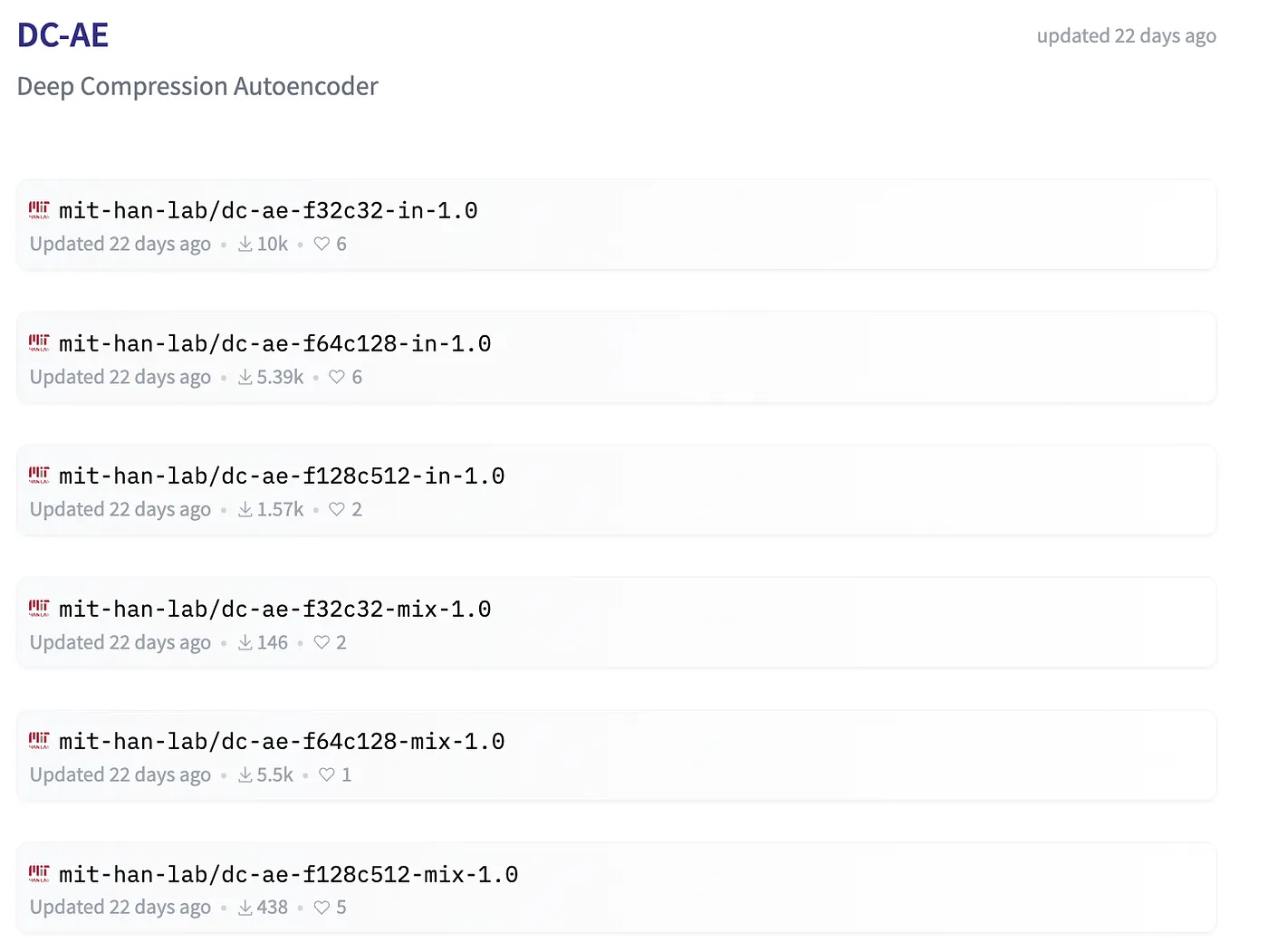
Each variant produces different latent representations of an image.
Spatial compression ratios:
- f32c32: 32x compression (
f), latents with 32 channels (c) - f64c128: 64x compression, 128 latent channels
- f128c512: 128x compression, 512 latent channels
Training variants:
- in: Trained on ImageNet
- mix: Trained on a “mix” of datasets
- sana: DC-AE variant used for NVIDIA’s SANA model.
Side note: While Sana has a terrible licence, it seems that its DC-AE is licensed under Apache 2.
Let’s Test Drive DC-AE!
I’ve created a simple Python script to test these autoencoders.
Requirements
The code below runs on an M3 Macbook with 24 GB RAM but will also work on NVIDIA GPUs and less VRAM.
Make sure to install the latest version of HuggingFace diffusers:
pip install -U diffusersLoad the Autoencoder
from diffusers import AutoencoderDC
import torch

device="mps" # change to 'cuda' for NVIDIA GPUs

# Load the DC-AE f32c32-sana in 16bit precision
ae=AutoencoderDC.from_pretrained("mit-han-lab/dc-ae-f32c32-sana-1.0-diffusers", torch_dtype=torch.float16).to(device).eval()
Prepare an Image
from PIL import Image
from io import BytesIO
import requests

URL="https://github.com/geronimi73/3090_shorts/blob/main/assets/3.jpg?raw=True"

image = Image.open(BytesIO(requests.get(URL).content))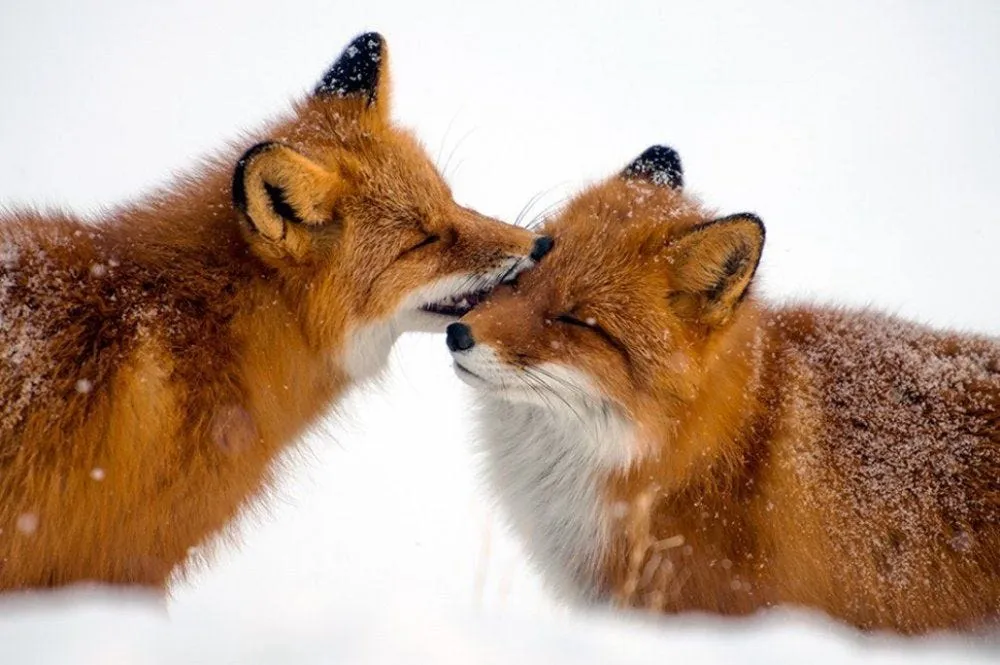
That’s a random 1000x665px image with 3 color channels (Red, Green, Blue).
To save VRAM, we resize and center-crop 512x512 pixels and normalize the pixel values to 0–1.
import torchvision.transforms as T

transform = T.Compose([
    T.Resize(512, antialias=True),
    # This will center crop to 512x512 from the resized image
    T.CenterCrop(512),
    T.ToTensor(),
    T.Normalize((0.5, 0.5, 0.5), (0.5, 0.5, 0.5)),
    lambda x: x.to(dtype=torch.float16)
])

image_tensor = transform(image)[None].to(device)
The result is a tensor of size torch.Size([1, 3, 512, 512])(dimensions: color channels, width, height). image_tensor will be the input for the encoder.
Encode: Transform Image to Latent Representation
with torch.no_grad():
    latent = ae.encode(image_tensor)
We are using the f32c32 encoder which downsizes height and width 32 times and produces latents with 32 channels. Our image had 512x512 pixels (and 3 channels), the latent therefore has a size of torch.Size([1, 32, 16, 16]).
That’s a considerable compression! You can think about it like this: The input image of the two foxes (512x512x3) is basically a list of 786,432 numbers. The latent representation of that image is only 8,192 numbers (32x16x16).
You could also think of the latent representation being a 16x16 image with 32 channels:
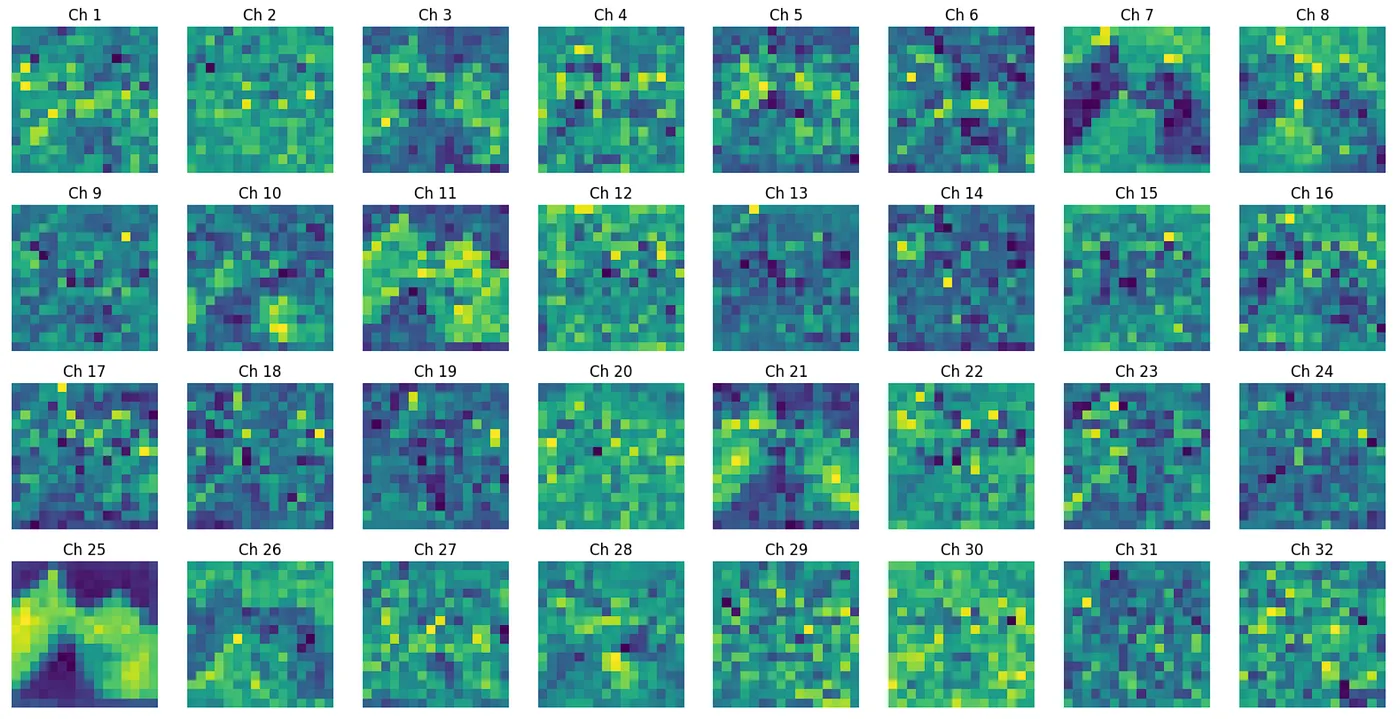
So it’s a lot less pixels but more information per pixel. Only god knows what each of these channels mean to the autoencoder.
Decode
Let’s bring the foxes back from latent space.
from torchvision.utils import save_image

with torch.no_grad():
    image_out = ae.decode(latent.latent).sample

image_out = torch.clamp_(image_out, -1, 1)    # clamp, because output of is AE sometimes out of [-1;1] for some reason
save_image(image_out * 0.5 + 0.5, "demo_dc_ae.png") # normalize to 0-1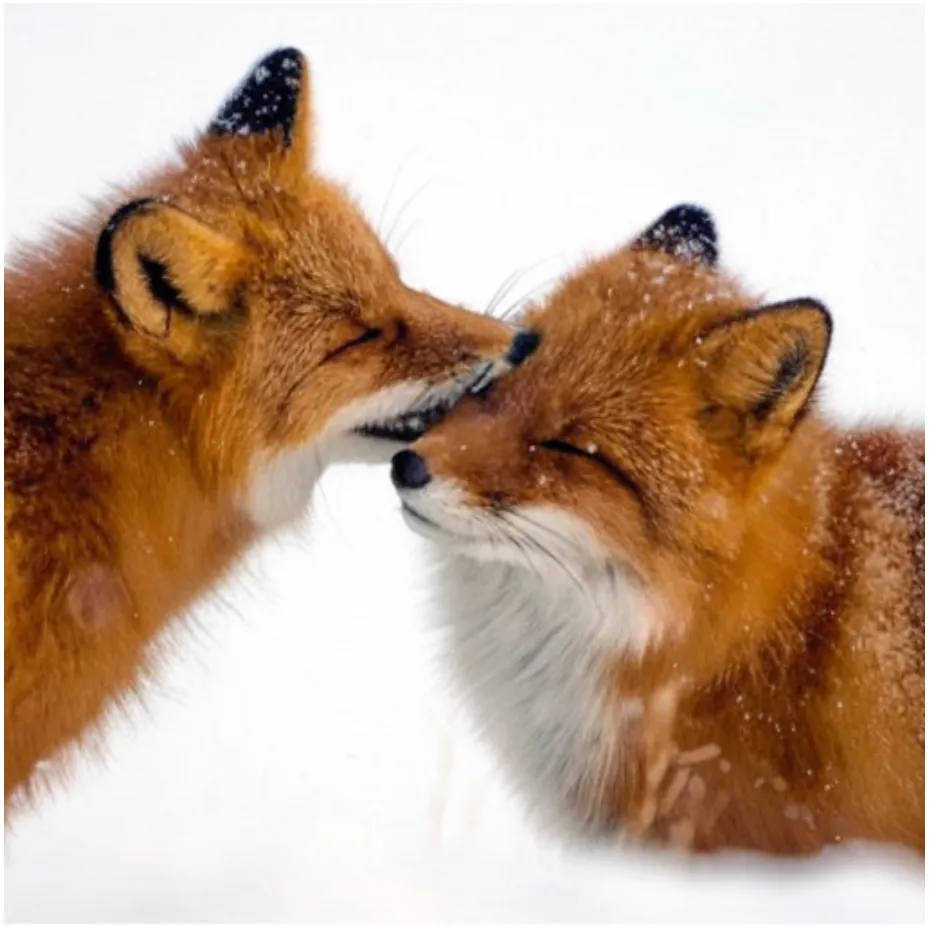
Honestly, it blows my mind how this little information represented in the latent is transformed back into such a rich image.
Results
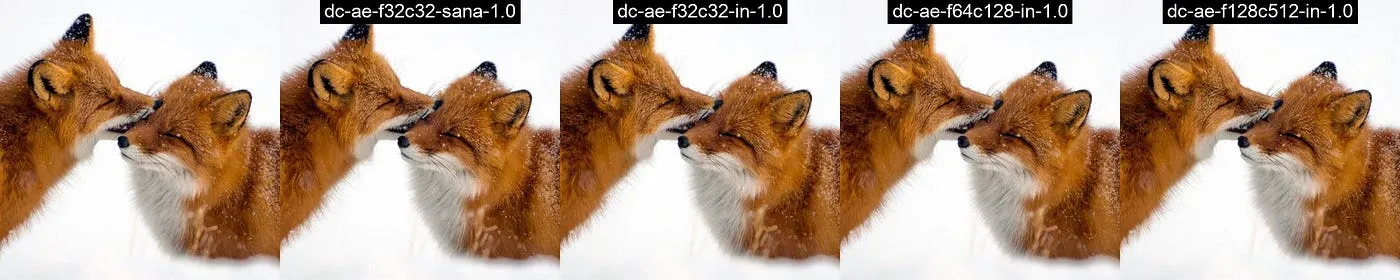
Let’s process a few more images and look at the results. Here is a gallery of test images showing the compression quality of each AE variant.


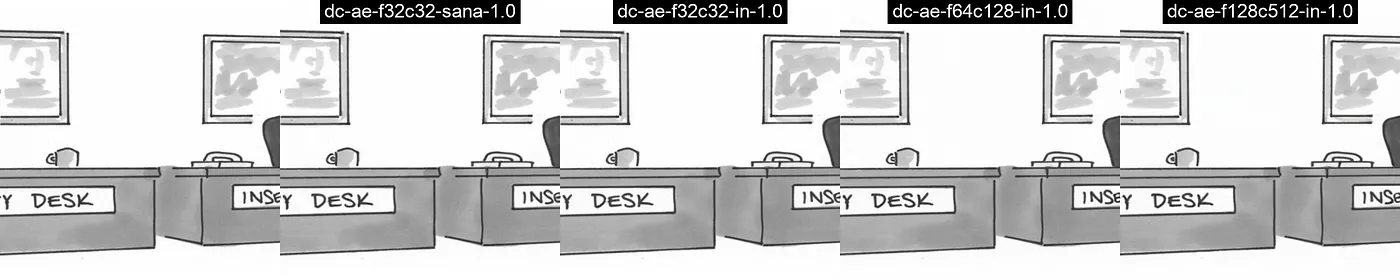
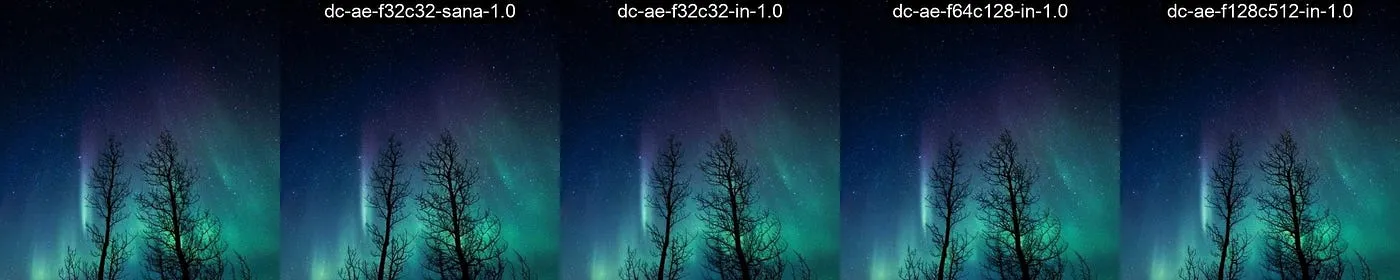

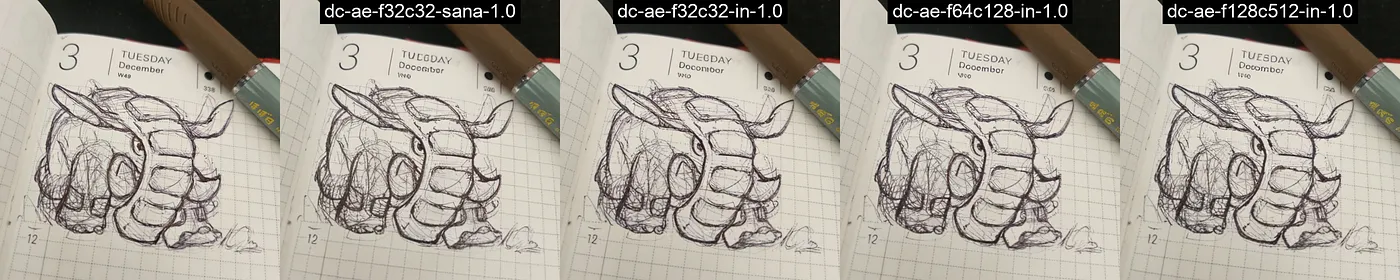
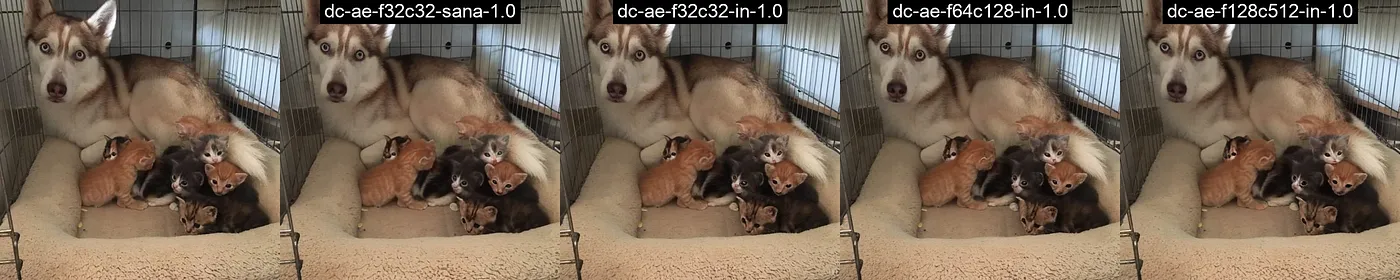
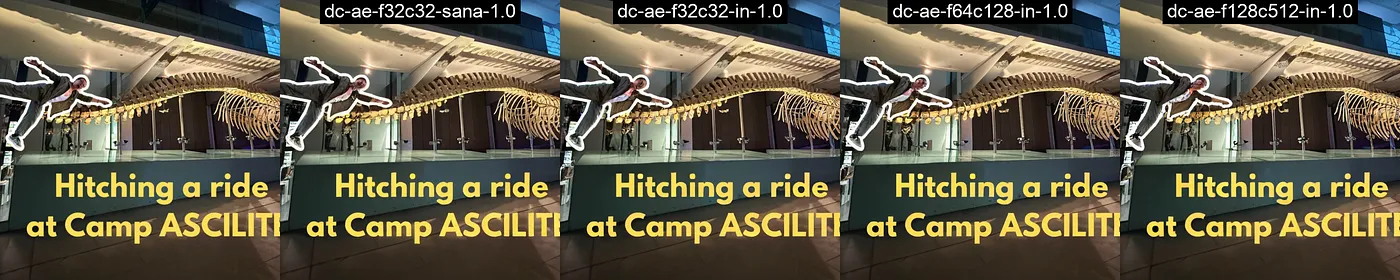
While playing with these autoencoders, I noticed they sometimes struggle with tiny details — small text gets a bit mushy, and cat’s eyes don’t always come out quite right.

But hey, don’t just take my word for it! I’m sharing the code so you can experiment yourself — your observations with different images might vary, and that’s part of understanding these models’ real-world capabilities.
All code used for the autoencoder is available in a jupyter notebook. The tests were run on an M3 MacBook using PyTorch’s MPS backend with PyTorch 2.5.1 and Diffusers 0.32.1.
Sana’s Diffusion Transformer
Let’s look at Sana’s specification as presented in their paper:
To reduce computational complexity, we replace the traditional softmax attention with ReLU linear attention
and
To further improve training efficiency, we replace the original MLP-FFN with Mix-FFN. The Mix-FFN consists of an inverted residual block, a 3×3 depth-wise convolution, and a Gated Linear Unit (GLU)
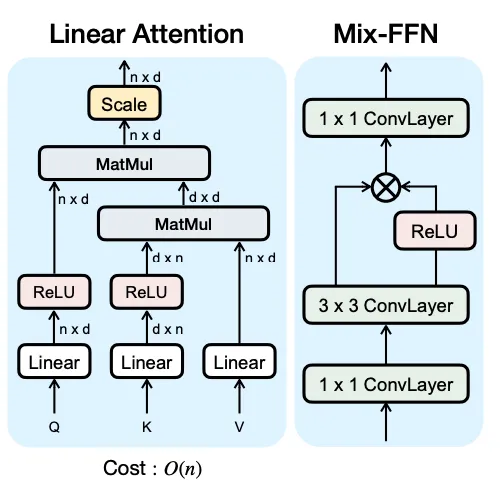
Furthermore, they found that the architecture could be further simplified:
We are surprised that we can remove Positional Embedding without any loss in performance .. In contrast to previous DiT-based methods that mostly use absolute PE, learnable PE, and RoPE, we propose NoPE, the first design that entirely omits positional embedding in DiT.
Finally, they use custom kernels:
we use Triton (Tillet et al., 2019) to fuse kernels for both the forward and backward passes of the linear attention blocks to speed up training and inference
Architecture details
Sana comes in two sizes: 0.6B and 1.6B parameters.
- Sana 0.6B:
28layers with1152channels per layer,2880channels in the FFN,36attention heads - Sana 1.6B:
20layers with2240channels per layer,5660channels in the FFN,70attention heads
Our Sana-0.6B only contains 590M parameters, and the number of layers and channels is almost identical to those of the original DiT-XL and PixArt-Σ. Our Sana-1.6B increases the parameters to 1.6B, with 20 layers and 2240 channels per layer, and increases the channels to 5600 in FFN. We believe that keeping the model layers between 20 and 30 strikes a good balance between efficiency and quality
To sum up, the diffusion model used in Sana is an optimized version of DiT-XL it seems.
EfficientViT Blocks
Sana is the product of a collaboration between NVIDIA and the HAN lab at MIT, the last author on the Sana paper is Song Han. On the website they state that Sana is built on top of components published by the HAN lab (under the permissive Apache-2.0 license):
[2024/10/21] DC-AE and EfficientViT block are used in our latest text-to-image diffusion model SANA! Check the project page for more details.
Let’s have a closer look at the Sana components in torch:
from diffusers import SanaTransformer2DModel
import torch

transformer = SanaTransformer2DModel.from_config(
    "Efficient-Large-Model/Sana_600M_512px_diffusers",
    subfolder="transformer",
    torch_dtype=torch.bfloat16,
)
SanaTransformer2DModel(
(patch_embed): PatchEmbed(
(proj): Conv2d(32, 1152, kernel_size=(1, 1), stride=(1, 1))
)
(time_embed): AdaLayerNormSingle(
(emb): PixArtAlphaCombinedTimestepSizeEmbeddings(
(time_proj): Timesteps()
(timestep_embedder): TimestepEmbedding(
(linear_1): Linear(in_features=256, out_features=1152, bias=True)
(act): SiLU()
(linear_2): Linear(in_features=1152, out_features=1152, bias=True)
)
)
(silu): SiLU()
(linear): Linear(in_features=1152, out_features=6912, bias=True)
)
(caption_projection): PixArtAlphaTextProjection(
(linear_1): Linear(in_features=2304, out_features=1152, bias=True)
(act_1): GELU(approximate='tanh')
(linear_2): Linear(in_features=1152, out_features=1152, bias=True)
)
(caption_norm): RMSNorm()
(transformer_blocks): ModuleList(
(0-27): 28 x SanaTransformerBlock(
(norm1): LayerNorm((1152,), eps=1e-06, elementwise_affine=False)
(attn1): Attention(
(to_q): Linear(in_features=1152, out_features=1152, bias=False)
(to_k): Linear(in_features=1152, out_features=1152, bias=False)
(to_v): Linear(in_features=1152, out_features=1152, bias=False)
(to_out): ModuleList(
(0): Linear(in_features=1152, out_features=1152, bias=True)
(1): Dropout(p=0.0, inplace=False)
)
)
(norm2): LayerNorm((1152,), eps=1e-06, elementwise_affine=False)
(attn2): Attention(
(to_q): Linear(in_features=1152, out_features=1152, bias=True)
(to_k): Linear(in_features=1152, out_features=1152, bias=True)
(to_v): Linear(in_features=1152, out_features=1152, bias=True)
(to_out): ModuleList(
(0): Linear(in_features=1152, out_features=1152, bias=True)
(1): Dropout(p=0.0, inplace=False)
)
)
(ff): GLUMBConv(
(nonlinearity): SiLU()
(conv_inverted): Conv2d(1152, 5760, kernel_size=(1, 1), stride=(1, 1))
(conv_depth): Conv2d(5760, 5760, kernel_size=(3, 3), stride=(1, 1), padding=(1, 1), groups=5760)
(conv_point): Conv2d(2880, 1152, kernel_size=(1, 1), stride=(1, 1), bias=False)
)
)
)
(norm_out): LayerNorm((1152,), eps=1e-06, elementwise_affine=False)
(proj_out): Linear(in_features=1152, out_features=32, bias=True)
)Make sure to use the latest version of diffusers, I used 0.32.1 here.
This is one of the 28 transformer blocks used in Sana 0.6B:
transformer.transformer_blocks[0]SanaTransformerBlock(
(norm1): LayerNorm((1152,), eps=1e-06, elementwise_affine=False)
(attn1): Attention(
(to_q): Linear(in_features=1152, out_features=1152, bias=False)
(to_k): Linear(in_features=1152, out_features=1152, bias=False)
(to_v): Linear(in_features=1152, out_features=1152, bias=False)
(to_out): ModuleList(
(0): Linear(in_features=1152, out_features=1152, bias=True)
(1): Dropout(p=0.0, inplace=False)
)
)
(norm2): LayerNorm((1152,), eps=1e-06, elementwise_affine=False)
(attn2): Attention(
(to_q): Linear(in_features=1152, out_features=1152, bias=True)
(to_k): Linear(in_features=1152, out_features=1152, bias=True)
(to_v): Linear(in_features=1152, out_features=1152, bias=True)
(to_out): ModuleList(
(0): Linear(in_features=1152, out_features=1152, bias=True)
(1): Dropout(p=0.0, inplace=False)
)
)
(ff): GLUMBConv(
(nonlinearity): SiLU()
(conv_inverted): Conv2d(1152, 5760, kernel_size=(1, 1), stride=(1, 1))
(conv_depth): Conv2d(5760, 5760, kernel_size=(3, 3), stride=(1, 1), padding=(1, 1), groups=5760)
(conv_point): Conv2d(2880, 1152, kernel_size=(1, 1), stride=(1, 1), bias=False)
)
)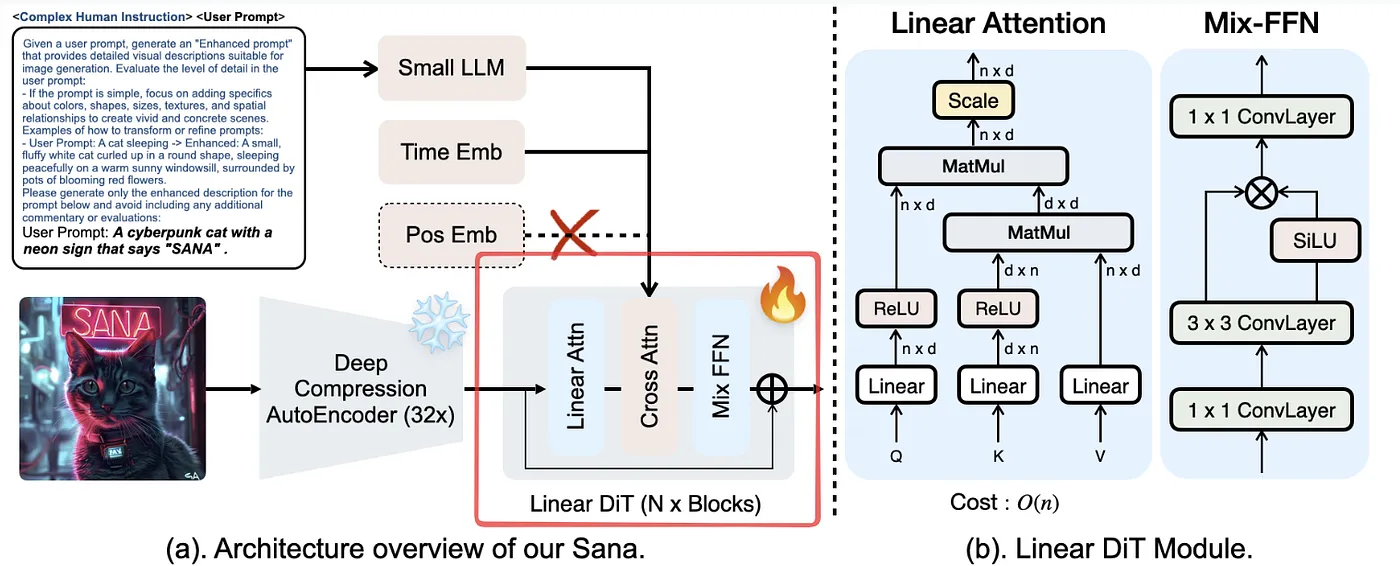
Attention is performed two times, attn1 is self-attention and attn2 is cross-attention with the encoded text prompt (=output of Gemma 2 2B).
# https://github.com/huggingface/diffusers/blob/fdcbbdf0bb4fb6ae3c2b676af525fced84aa9850/src/diffusers/models/transformers/sana_transformer.py#L107

# 1. Self Attention
self.norm1 = nn.LayerNorm(dim, elementwise_affine=False, eps=norm_eps)
self.attn1 = Attention(
    query_dim=dim,
    heads=num_attention_heads,
    dim_head=attention_head_dim,
    dropout=dropout,
    bias=attention_bias,
    cross_attention_dim=None,
    processor=SanaLinearAttnProcessor2_0(),
)

# 2. Cross Attention
if cross_attention_dim is not None:
    self.norm2 = nn.LayerNorm(dim, elementwise_affine=norm_elementwise_affine, eps=norm_eps)
    self.attn2 = Attention(
        query_dim=dim,
        cross_attention_dim=cross_attention_dim,
        heads=num_cross_attention_heads,
        dim_head=cross_attention_head_dim,
        dropout=dropout,
        bias=True,
        out_bias=attention_out_bias,
        processor=AttnProcessor2_0(),
    )

# 3. Feed-forward
self.ff = GLUMBConv(dim, dim, mlp_ratio, norm_type=None, residual_connection=False)
Image Generation
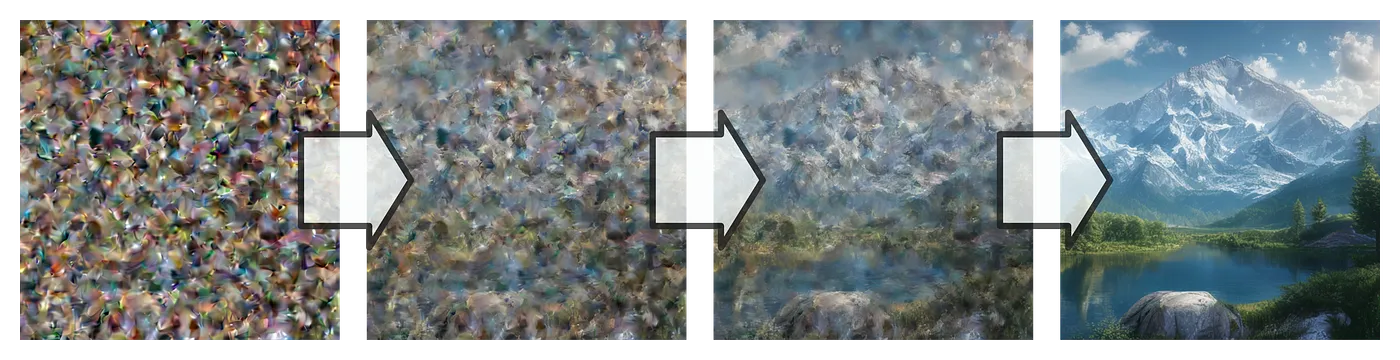
Diffusion models work by turning noise into images. This is an iterative process, noise is removed in a stepwise manner to turn pure noise into an image.
The process looks like this:
- Start with a noisy latent
- Remove a bit of noise
- Remove a little more noise
- Keep on removing noise until none is left
- Use the autoencoder to turn the final latent into an image
The purpose of the Diffusion Transformer is to predict the level of noise in a given image.
Let’s step through this process in torch
Generate a noisy latent
The Deep Compression AutoEncoder (DC-AE) variant of Sana dc-ae-f32c32-sana-1.0 works with 32 channels and a compression factor of 32, as covered above.
Let’s generate a 1024x1024px image. The latents would therefore have the dimensions [32, 32, 32] (=32 channels, 1024/8 width, 1024/8 height).
We want the noise to be normal distributed and use randn:
import torch

# first dimension is the batch size=1
latents = torch.randn(1, 32, 32, 32)
If we would decode this noisy latent right away, the image would look like this:
import torch
import torchvision.transforms as T
from diffusers import AutoencoderDC

def decode_latent(latent, ae):
    with torch.no_grad():
        image_out = ae.decode(latent).sample.squeeze().to("cpu")
    image_out = torch.clamp_(image_out, -1, 1)    # clamp, because output of is AE sometimes out of [-1;1] for some reason
    image_out = image_out * 0.5 + 0.5 # normalize to 0-1
    return T.ToPILImage()(image_out.float())

model = "Efficient-Large-Model/Sana_600M_1024px_diffusers"
dcae = AutoencoderDC.from_pretrained(model, subfolder="vae", torch_dtype=torch.bfloat16).to(device)

# DC-AE scaling factor, see https://huggingface.co/Efficient-Large-Model/Sana_600M_1024px_diffusers/blob/main/vae/config.json
dcae_scalingf = 0.41407

decode_latent(latents.to(torch.bfloat16).to(device) / dcae_scalingf, dcae)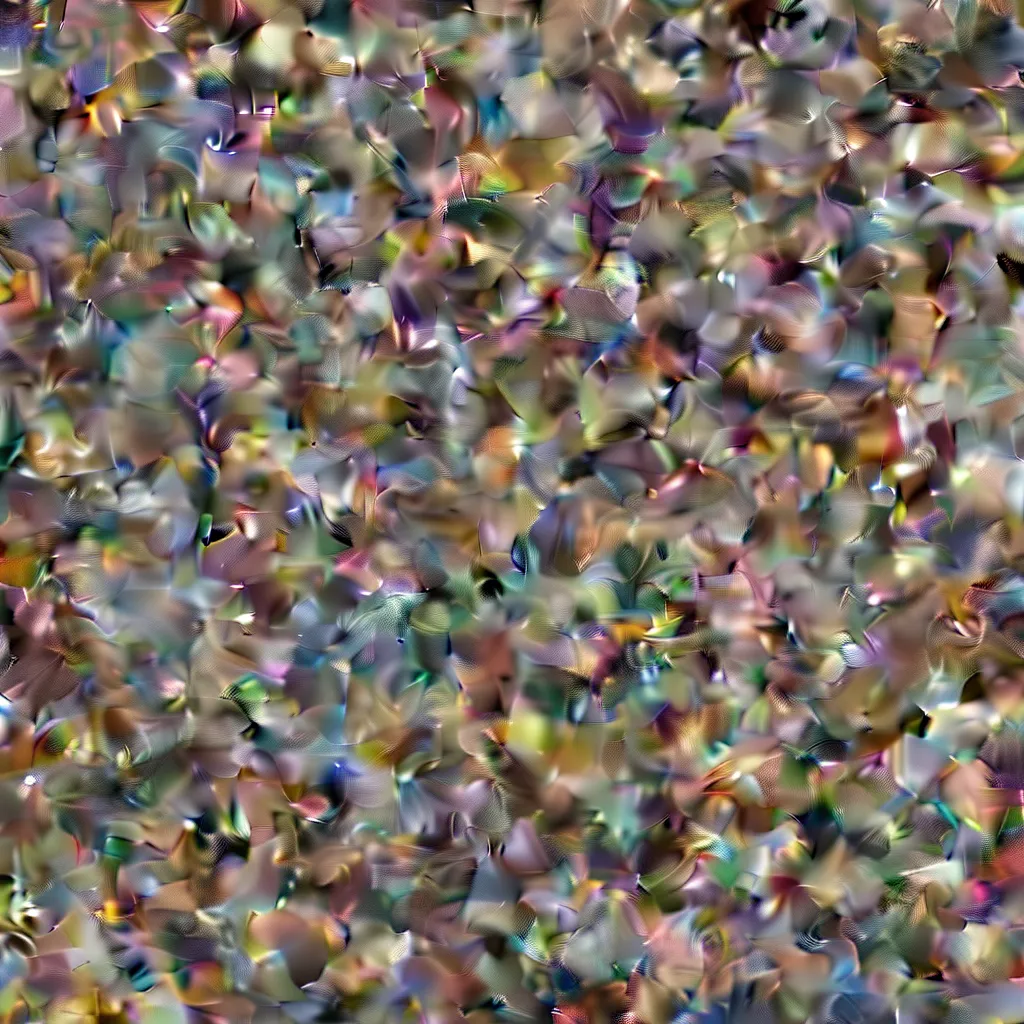
Let’s turn this noise into an image!
As I mentioned, the noise removal process is guided by the Diffusion Transformer. But the DiT needs more than just the noisy latent. We have to somehow tell the DiT what kind of image to generate. This is why we need a text encoder.
Meet Gemma, the Text Encoder!
To guide the diffusion process, a prompt like “a beautiful mountain landscape” is also sent to latent space as an additional input to the DiT.
Sana uses Google’s Gemma 2, a large language model (LLM), to turn prompts into a meaningful representation.
We first tokenize the prompt and then encode it.
from transformers import Gemma2Model, GemmaTokenizerFast

model = "Efficient-Large-Model/Sana_600M_1024px_diffusers"

tokenizer = GemmaTokenizerFast.from_pretrained(
  model,
  subfolder="tokenizer",
  torch_dtype=torch.bfloat16
)

text_encoder = Gemma2Model.from_pretrained(
  model,
  subfolder="text_encoder",
  torch_dtype=torch.bfloat16
).to(device)
Note: Don’t forget to set device, to mps in case you are on Apple Silicon or to cuda if you work with an NVIDIA GPU.
Sana accepts text encodings of a fixed length of 300 tokens which is why we truncate and pad:
prompt = "a beautiful mountain landscape"
tokenizer.padding_side = "right"
prompt_tok = tokenizer(
    prompt,
    padding="max_length",
    truncation=True,
    max_length=300,
    add_special_tokens=True,
    return_tensors="pt",
).to(device)“a beautiful mountain landscape” tokenized looks like this:
tensor([[ 2, 235250, 4964, 8180, 15487, 235269, 2686, 54385, .. ]])Let’s put that through the LLM:
with torch.no_grad():
    prompt_encoded=text_encoder(**prompt_tok)
BaseModelOutputWithPast(last_hidden_state=tensor([[[-0.1543, -0.0226, 0.3066, ..., -1.9141, -0.1387, -0.6641],
[ 0.4473, 1.1641, -1.0703, ..., 2.3125, 0.2832, -0.6914],
[ 1.3984, 0.1582, -0.0962, ..., 0.3809, -0.9453, -1.6172],
...,
[ 1.8594, 0.4160, -1.1094, ..., -1.6250, 0.4473, -1.3359],
[ 1.8906, 0.4902, -1.0703, ..., -1.6094, 0.4121, -1.2891],
[ 1.9141, 0.5234, -1.0469, ..., -1.6094, 0.4512, -1.2656]]],
device='mps:0', dtype=torch.bfloat16), past_key_values=HybridCache(), hidden_states=None, attentions=None)LLMs predict the next token in a sequence of tokens. But we don’t care about the next token, we want the token embeddings enriched with all the semantic information in the prompt. This information is stored in last_hidden_state of the response (the BaseModelOutputWithPast object).
The tensor last_hidden_state is of shape [1, 300, 2304] where 1 is the batch size (we only have a single prompt), 300 is the number of tokens (fixed after truncate and pad), and 2304 is the hidden dimension of Gemma 2.
Let’s feed this encoded prompt into the Diffusion Transformer.
Note: Actually the hidden dimension of the DiT is 1152, and not 2304. The PixArtAlphaTextProjection takes care of this “translation”, it is a projection module which uses two linear layers and an activation function to translate Gemma’s encoded prompt into the latent space of the DiT.
Removing a bit of noise
# First denoising step out of a total of 10

latents = torch.randn(1, 32, 32, 32, dtype=torch.bfloat16, generator = torch.manual_seed(32)).to(device)

# Schedule 10 total steps
scheduler.set_timesteps(10)
timesteps = scheduler.timesteps.to(device).to(torch.bfloat16)

# Working in a jupyter notebook which is why I use display()
display(decode_latent(latents / dcae_scalingf, dcae).resize((512,512)))

# Predict noise
with torch.no_grad():
    noise_pred = transformer(
        latents,
        encoder_hidden_states=prompt_encoded.last_hidden_state,
        timestep=timesteps[0].unsqueeze(0),
        encoder_attention_mask=prompt_tok.attention_mask,
        return_dict=False
    )[0]

# Remove predicted noise
latents = scheduler.step(noise_pred, t, latents, return_dict=False)[0]

display(decode_latent(latents / dcae_scalingf, dcae).resize((512,512)))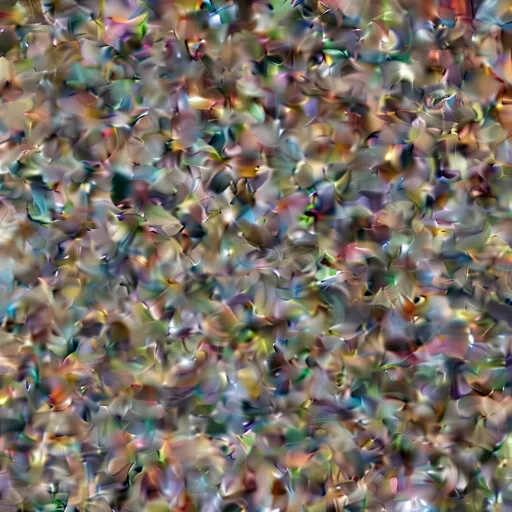
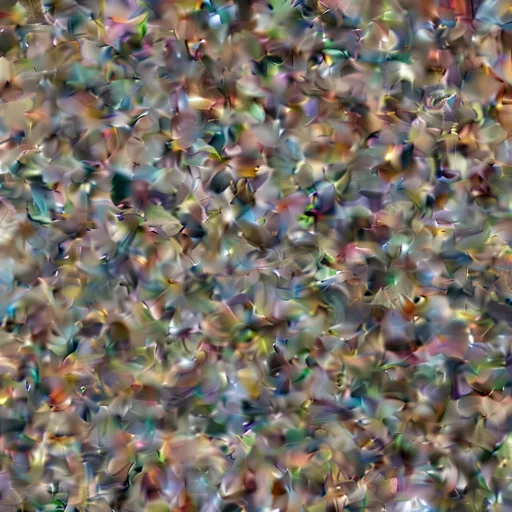
Not much happening. Let’s look at the remaining 9 steps:
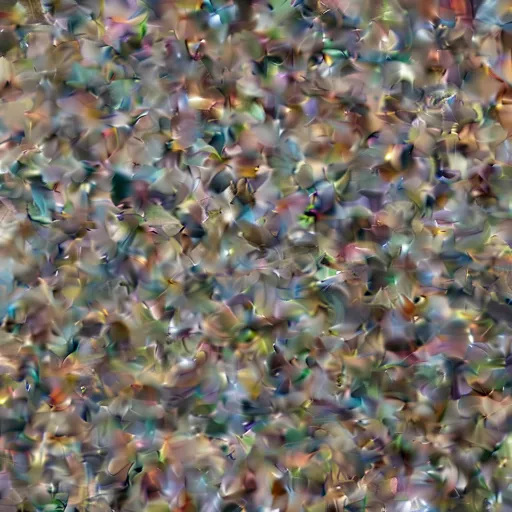
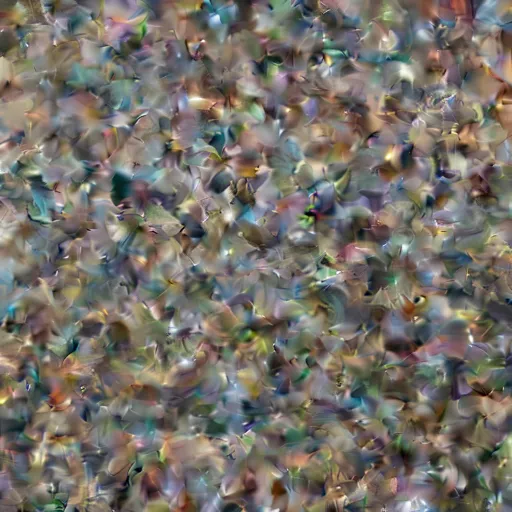
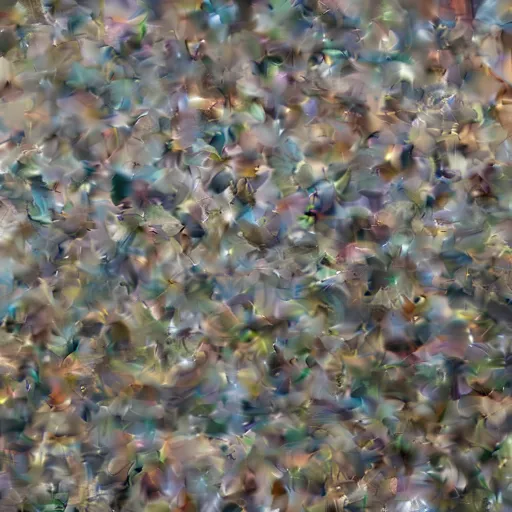
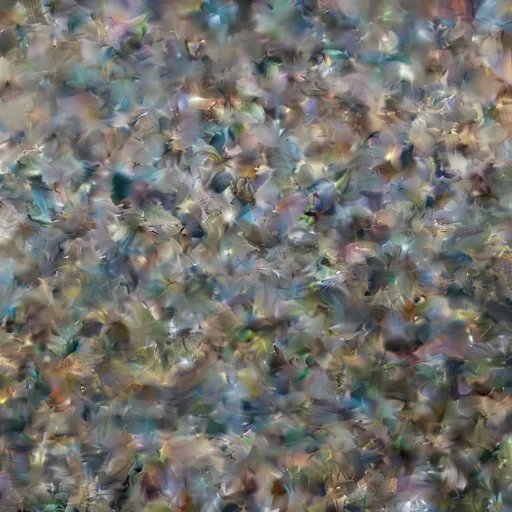
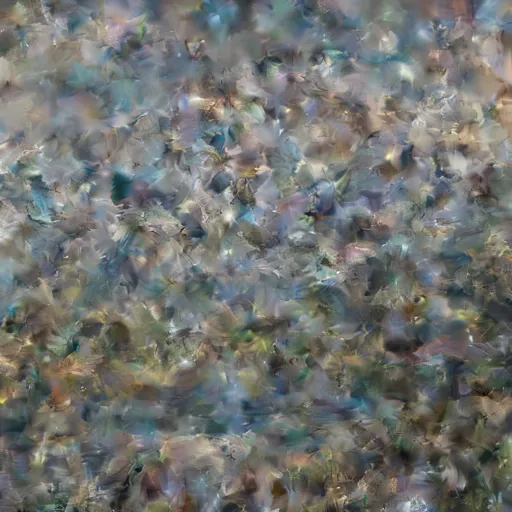
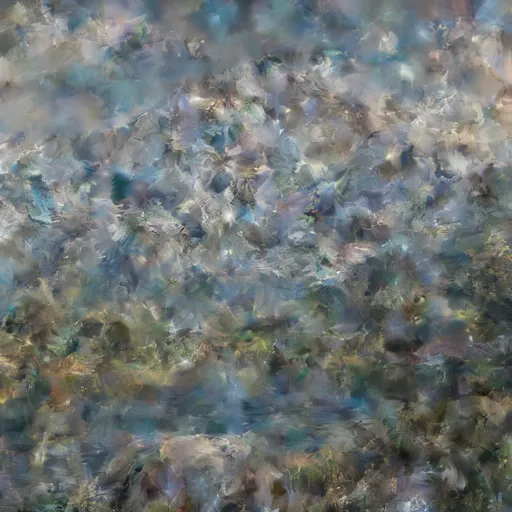
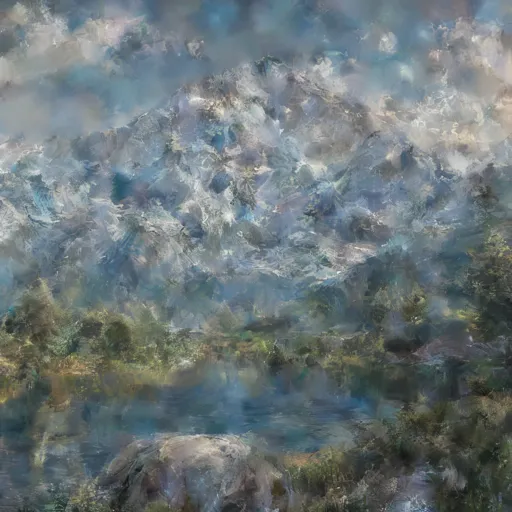


Fascinating how this landscape slowly emerges from random noise!

Note: This is just a very basic implementation of what SanaPipeline does without the guidance or the complex human instructions (CHI) feature.
The latent representation can be thought of as an image with height and width of 32 and 32 “colors” (channels) instead of the three colors (red, green, blue) we are used to. Let’s take a look at what the final latent of the mountain landscape looks like.
import matplotlib.pyplot as plt

def show_latent(latent):
    fig, axes = plt.subplots(4, 8, figsize=(20, 10))

    for i, ax in enumerate(axes.flat):
        channel = latent[0, i].detach().cpu().to(torch.float32)
        channel_min, channel_max = channel.min(), channel.max()
        channel_normalized = (channel - channel_min) / (channel_max - channel_min)

        ax.imshow(channel_normalized, cmap='viridis')
        ax.axis('off')
        ax.set_title(f'Ch {i+1}')

show_latent(latents_intermediate[-1])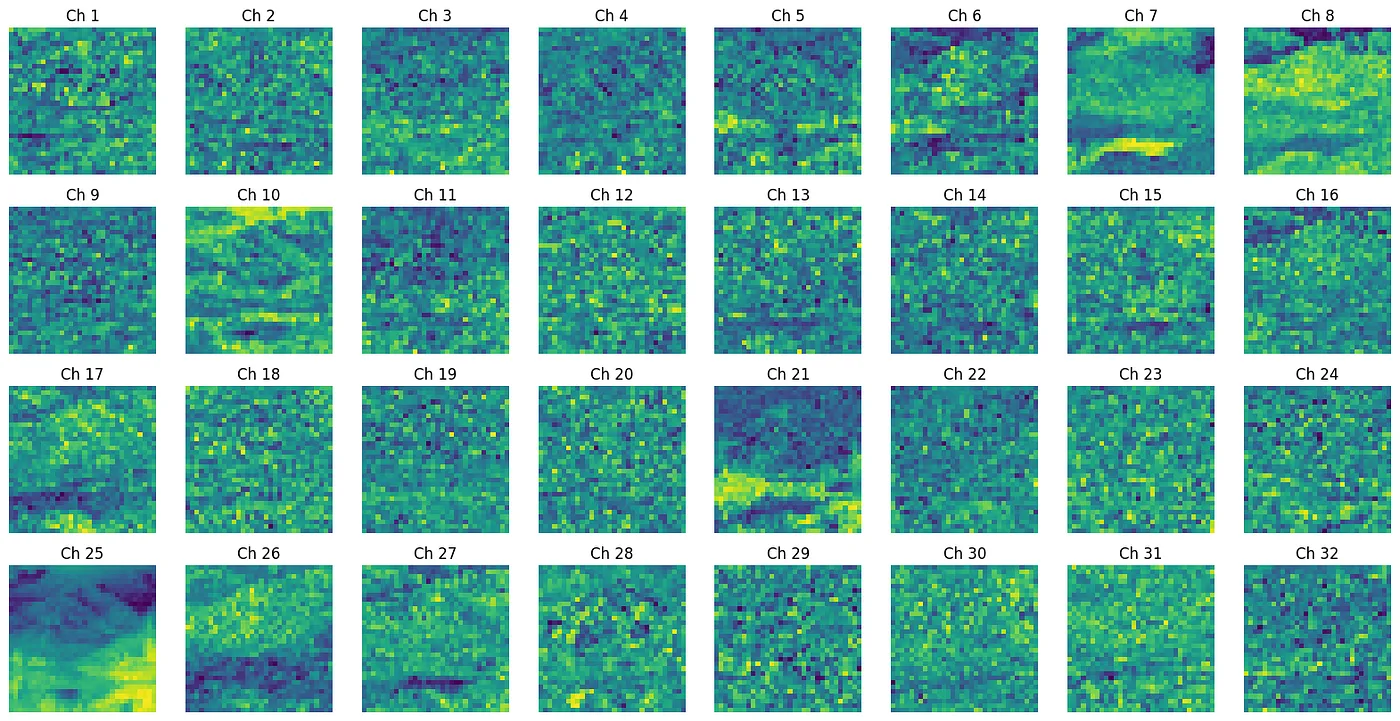
Summary: DC-AE and DiT
We’ve now walked through both halves of Sana: the Deep Compression Autoencoder that squeezes images down to a fraction of their pixel count, and the linear-attention Diffusion Transformer that turns noise into a meaningful latent — optimized through ReLU linear attention, Mix-FFN, and their “NoPE” approach that removes positional embeddings entirely. Starting with pure random noise, we watched the model gradually carve out a mountain landscape through repeated cycles of noise prediction and removal.
Scaling Up to 4K
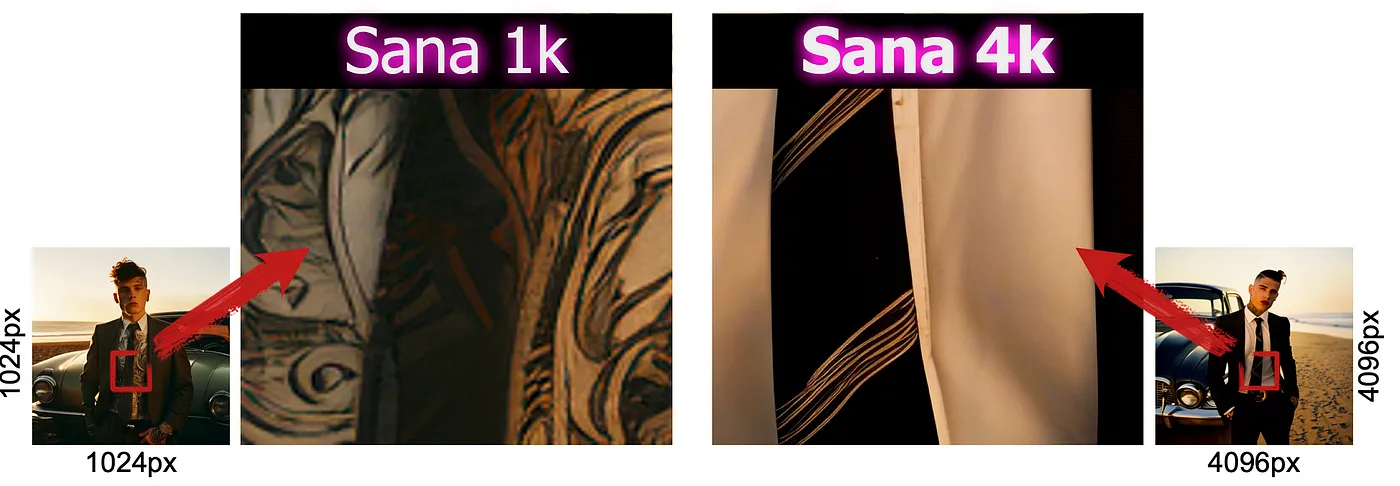
The Sana team just released models that can generate images up to 4096×4096 pixels. And here’s the kicker: it can do this in about 40 seconds on a regular GPU like an RTX 4090 with 24 GB VRAM. That’s pretty fast for such high-resolution images.
Examples




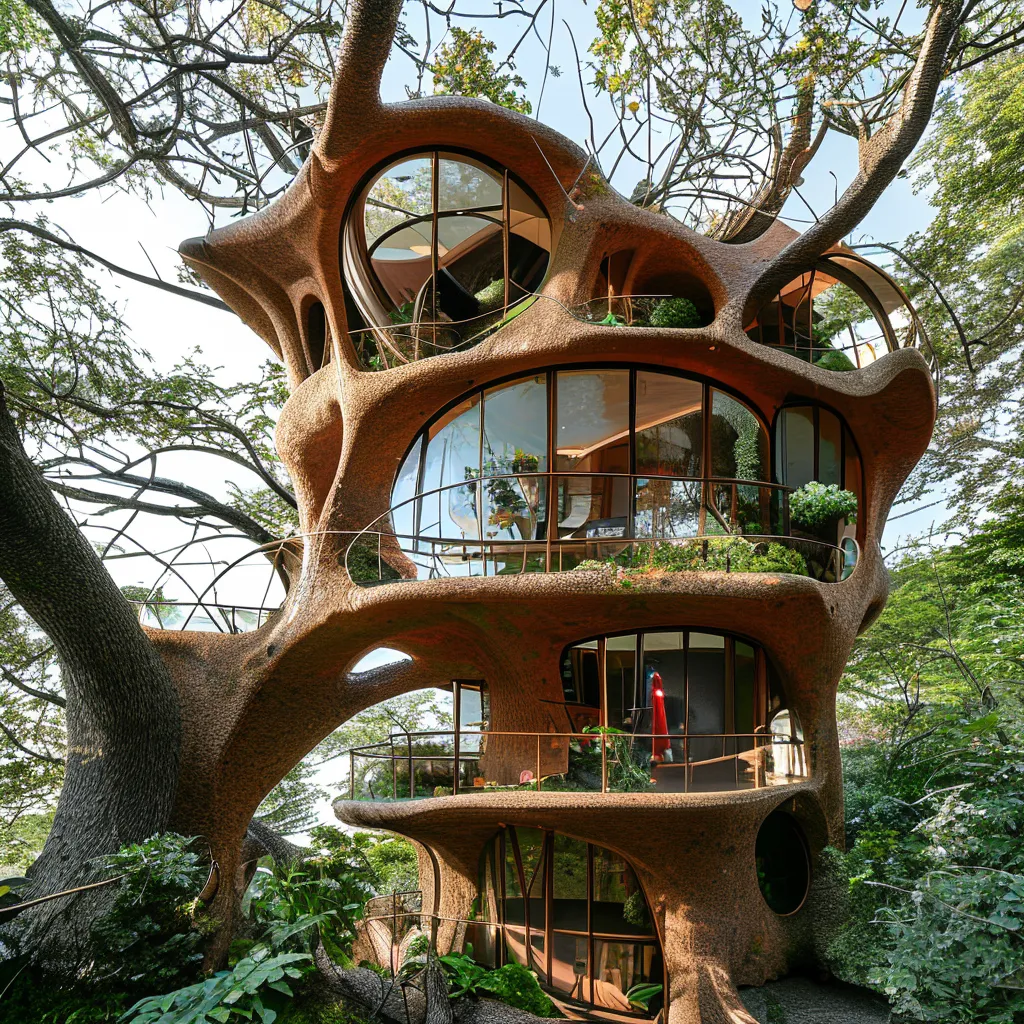
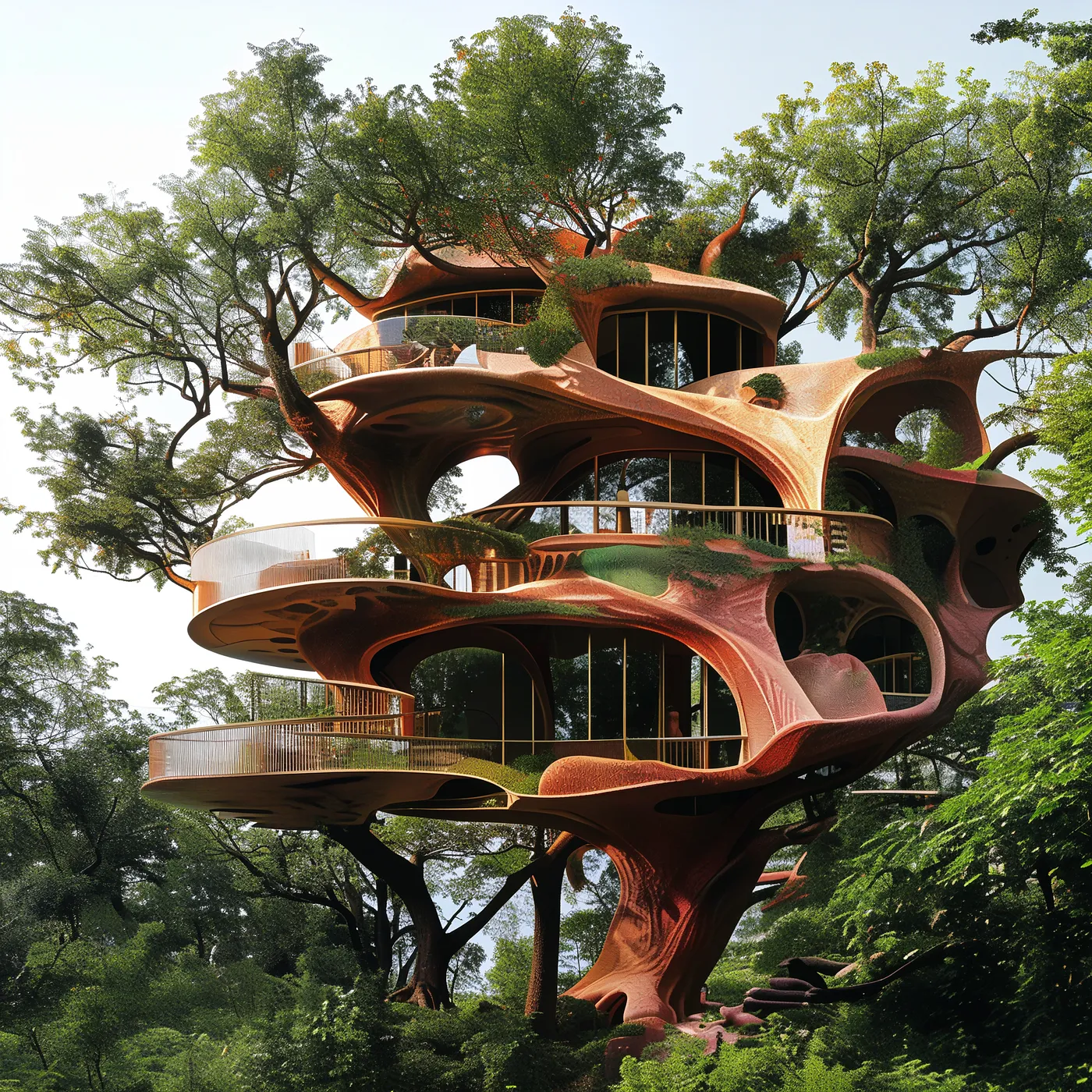
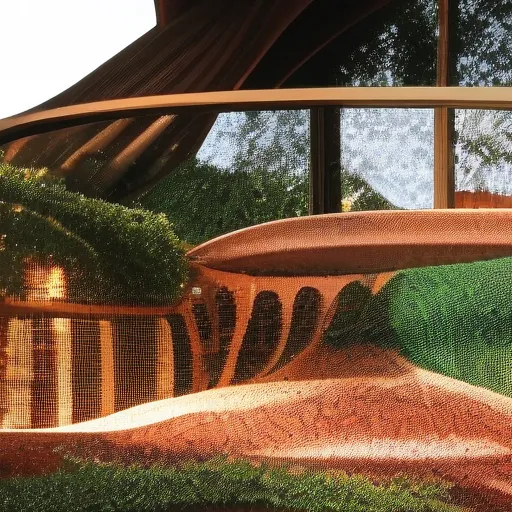

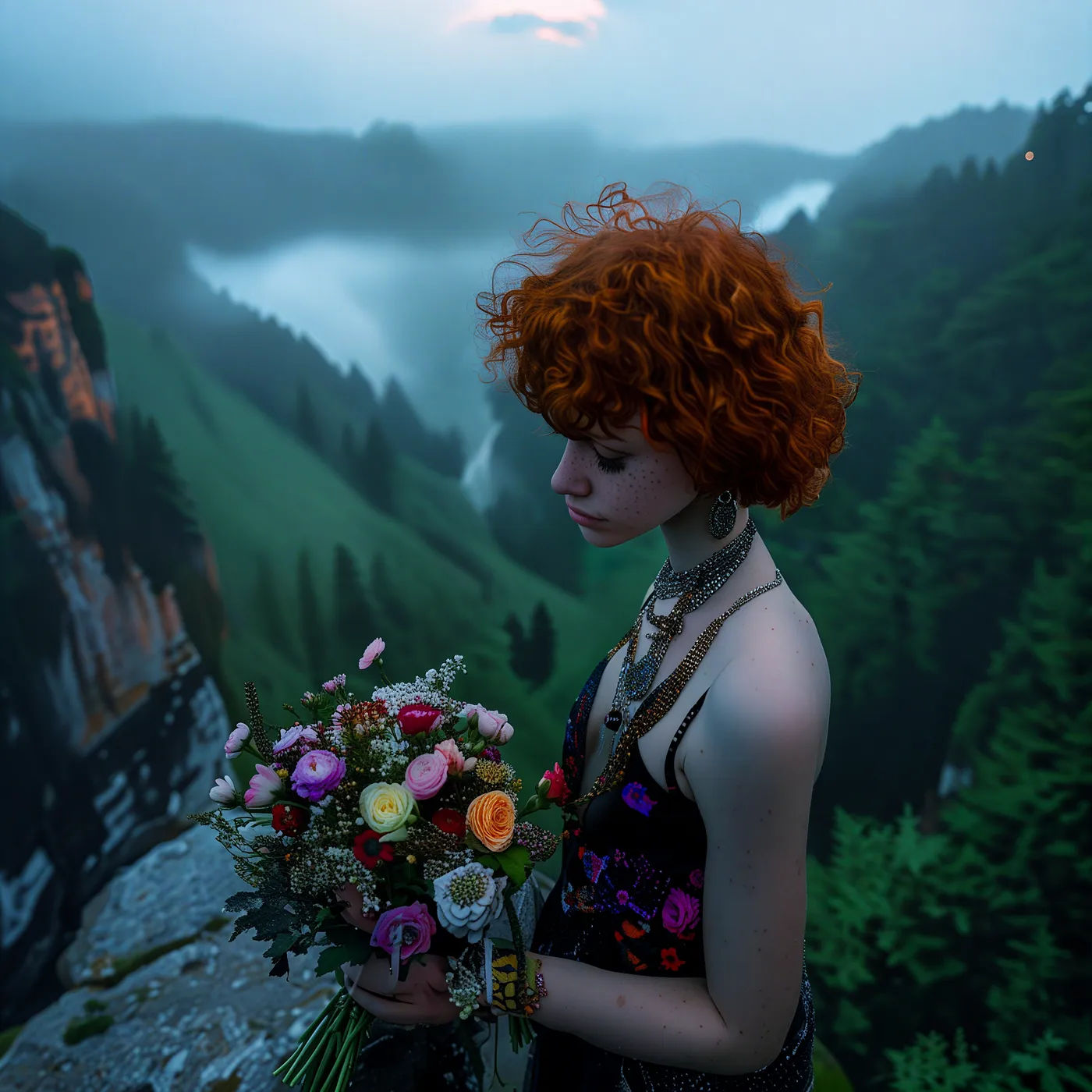

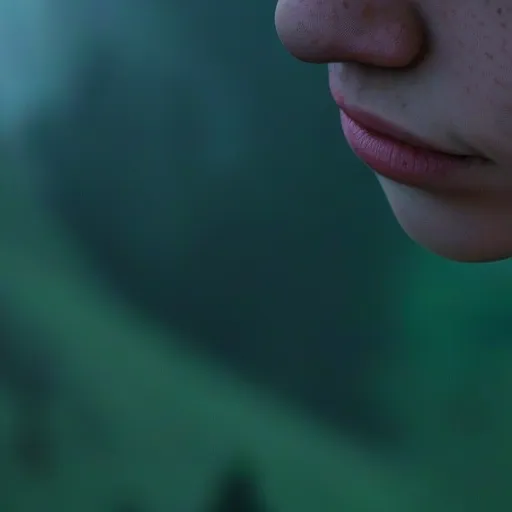


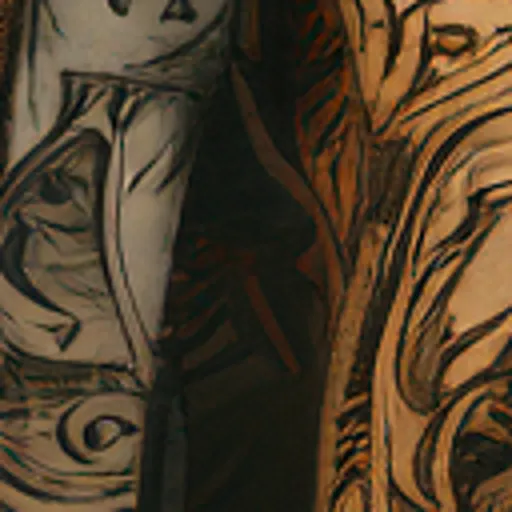
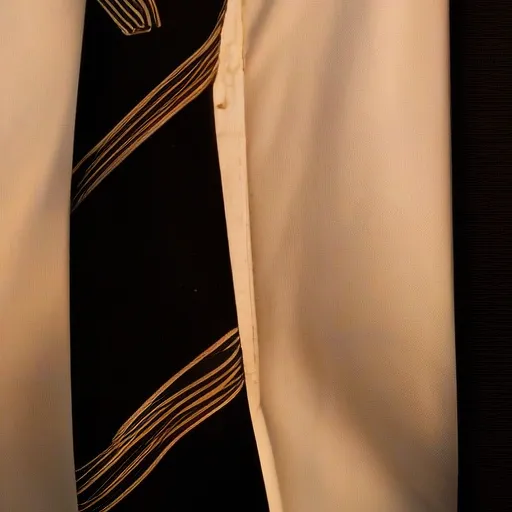
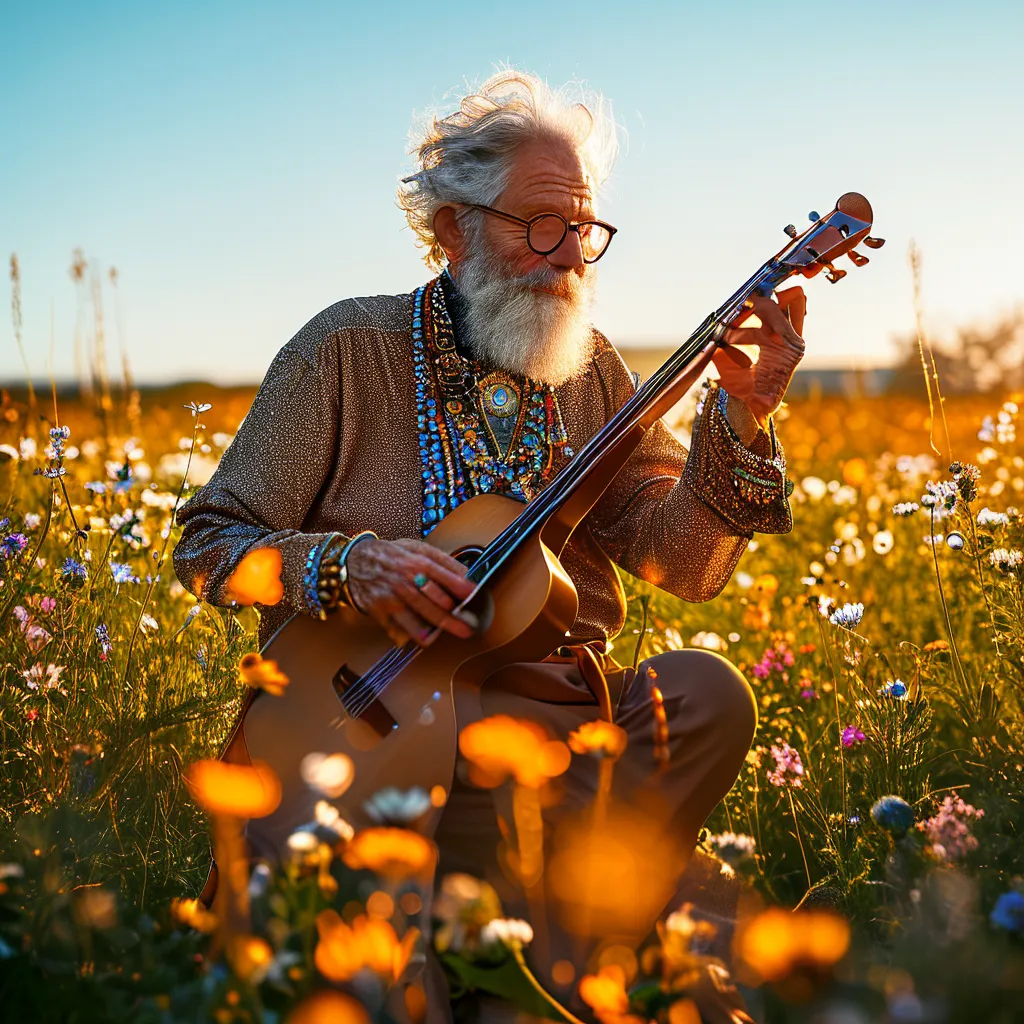
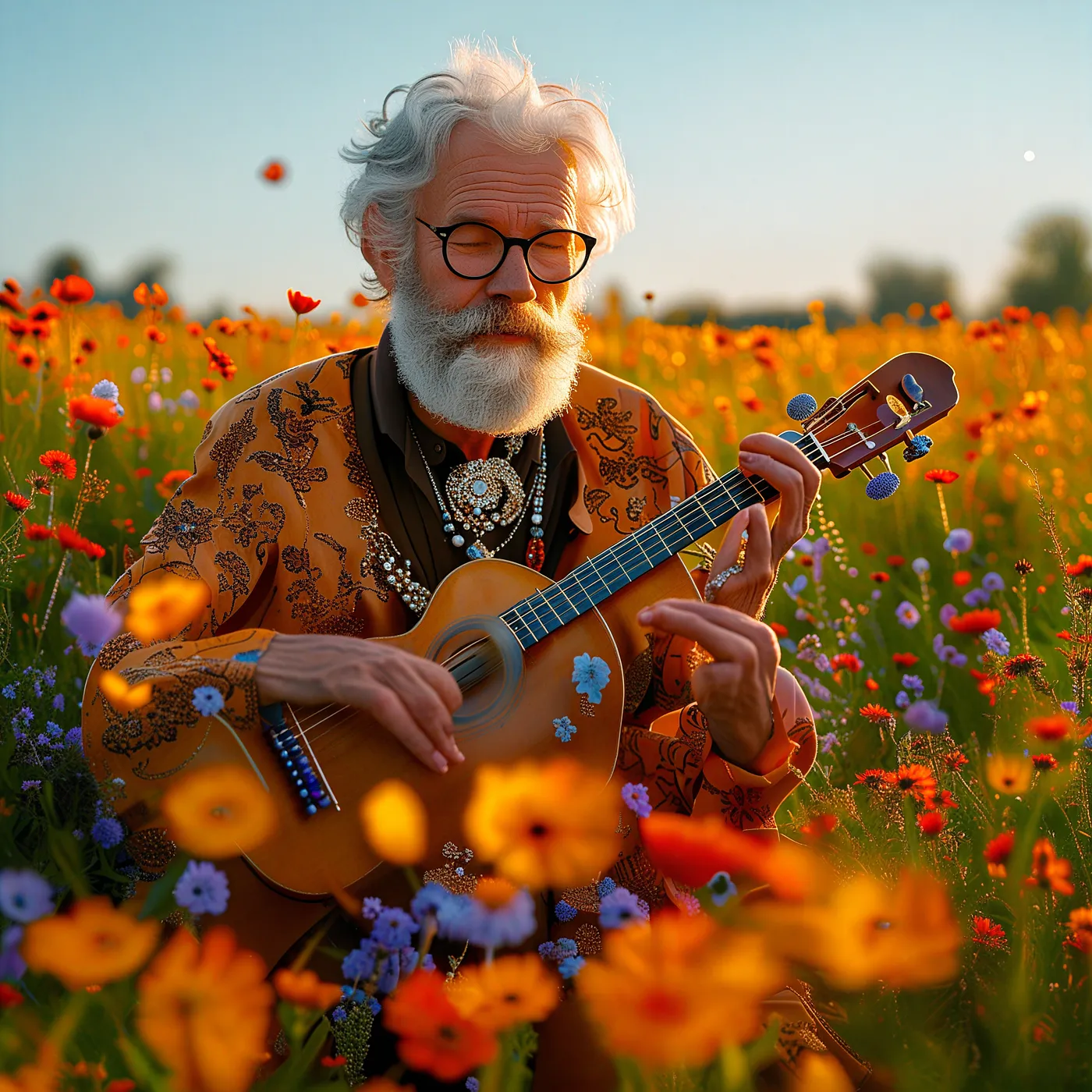


Find all the 150 4096x4096px images I generated here.
Notes:
- Credits for the prompts go to Falah/image_generation_prompts_SDXL and suvadityamuk/image-generation-prompts.
- Examples generated with Sana 1k (left), Sana 2k (middle), Sana 4k (right). VAE
dtypefloat32, restbfloat16.tile_sample_min_heightandwidthset to1024.20inference steps. guidance_scale5.0. Seed42. Images generated in ~ 2, 15, and 45 seconds (Sana 1k, 2k, and 4k) on a NVIDIA GeForce RTX 4090.
How to Use It
Here’s how you can use the 4K model with the Hugging Face diffusers library.
You will need a GPU with 24 GB VRAM, in theory this could also be Apple silicon like my M3 MacBook but in practice Sana’s license prohibits inference on non-NVIDIA GPUs.
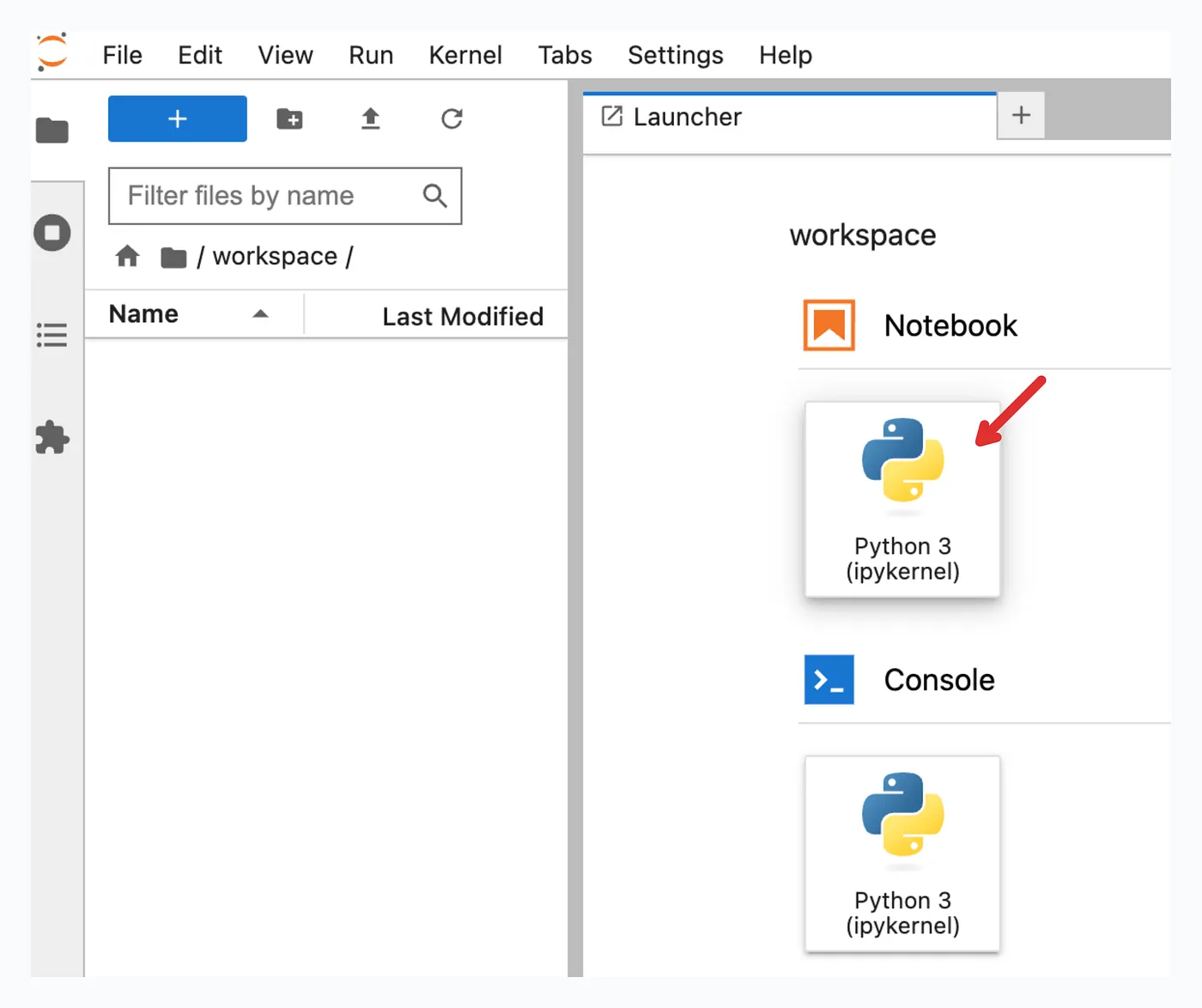
Rent a GPU
If you don’t own a GPU, rent a GeForce RTX 4090 on the cloud computing platform RunPod for 0.34$ per hour. If you don’t have a RunPod account yet, use my referral link for signup to support my tinkering.


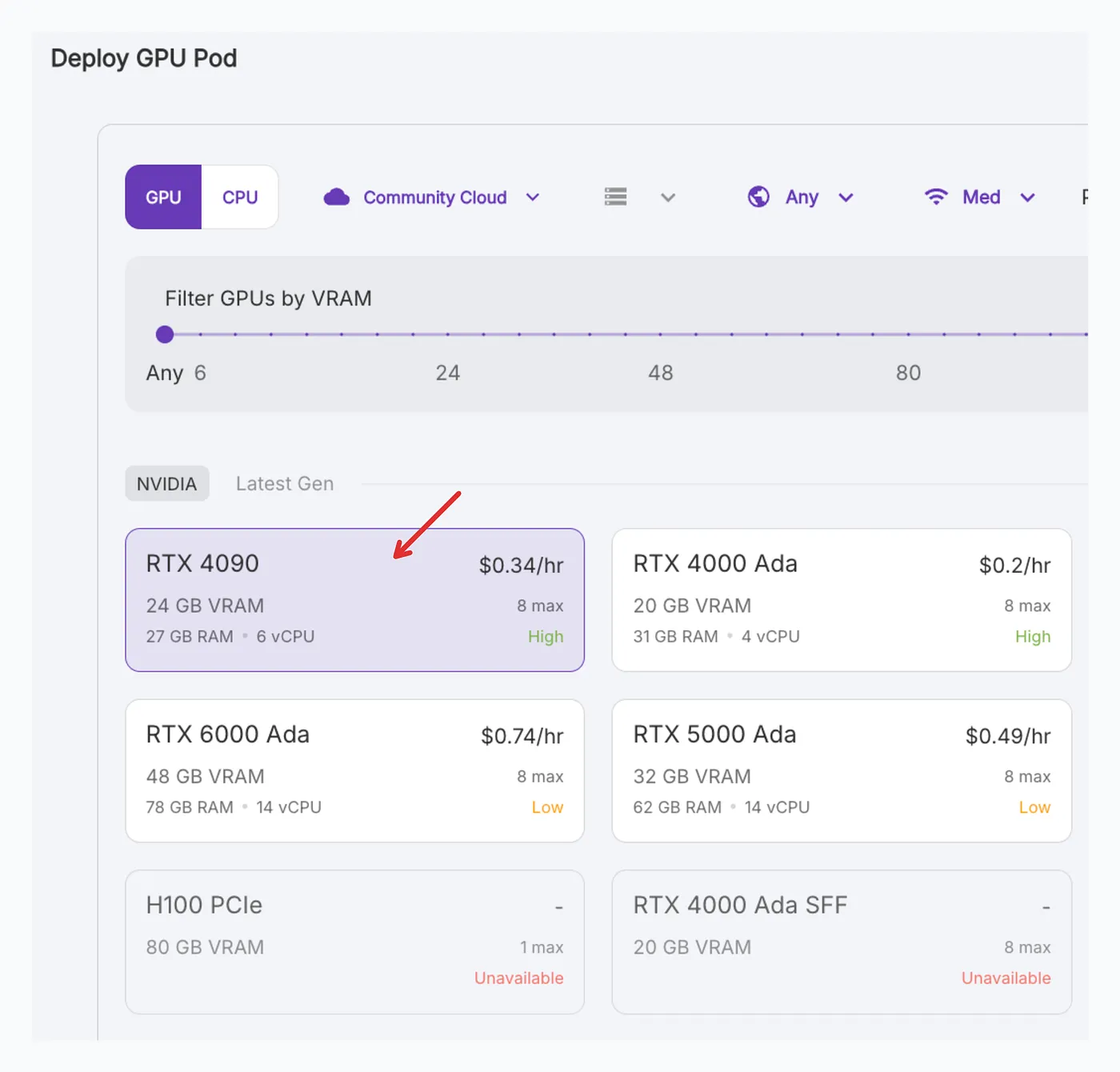
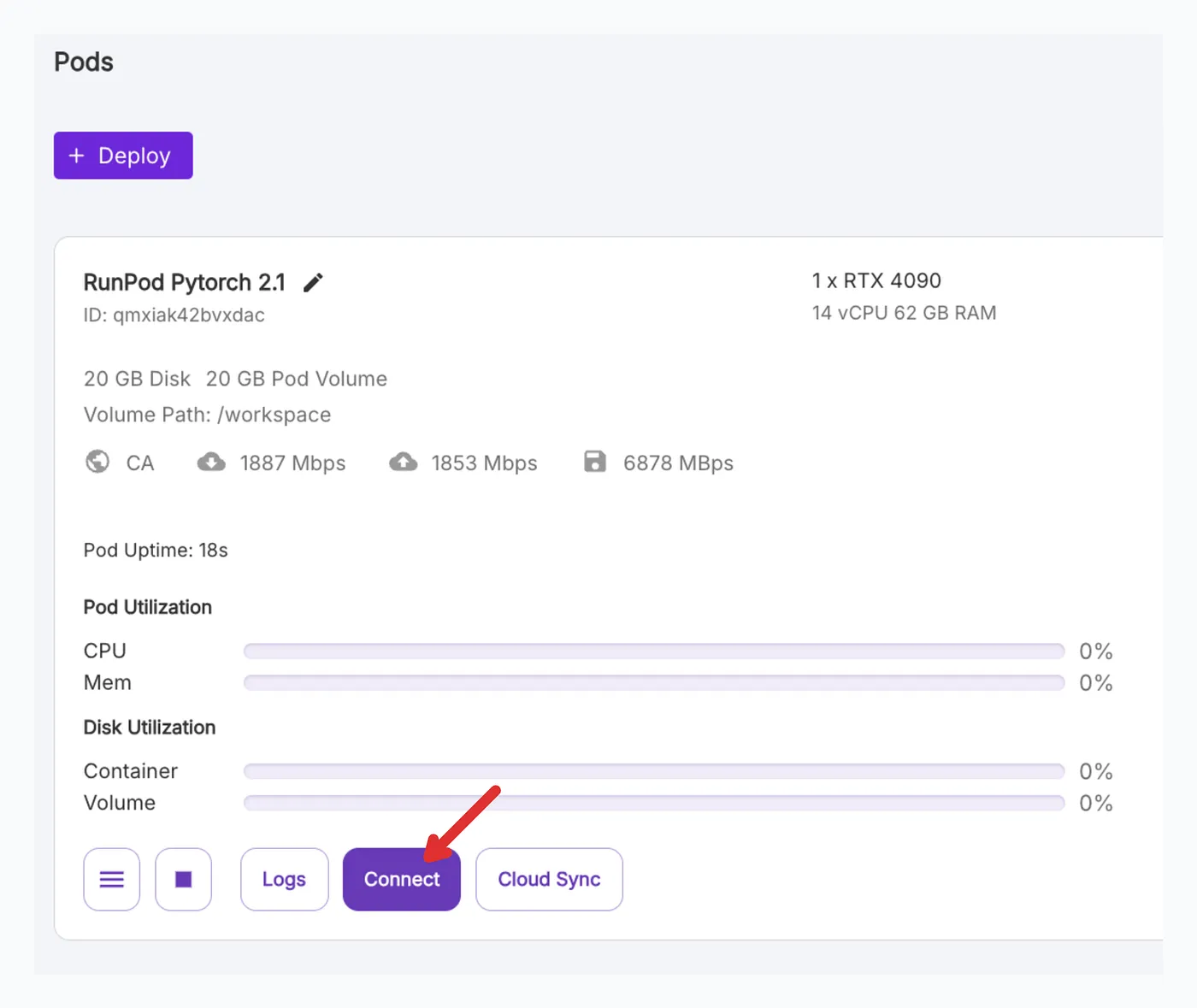
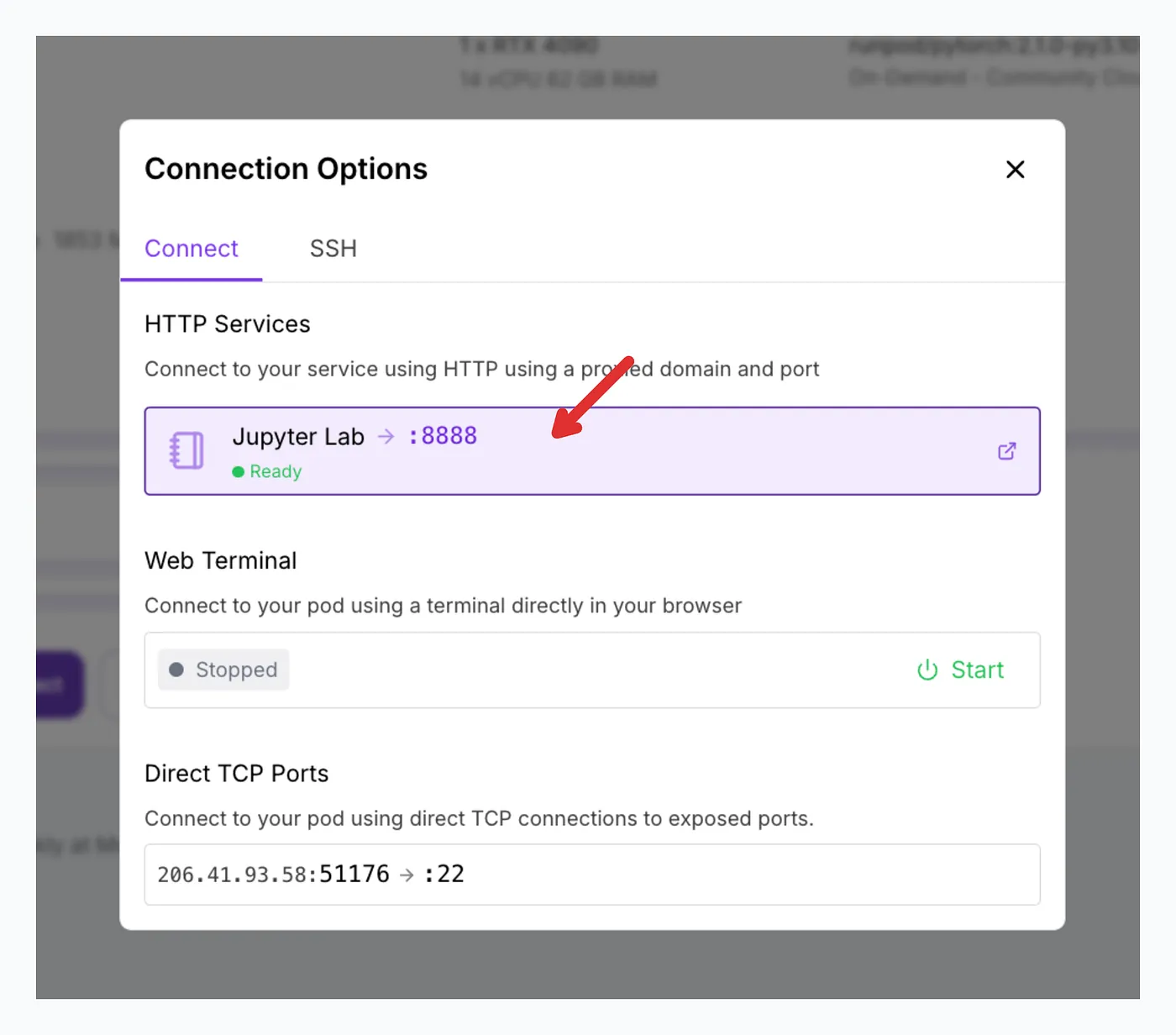
Install Packages
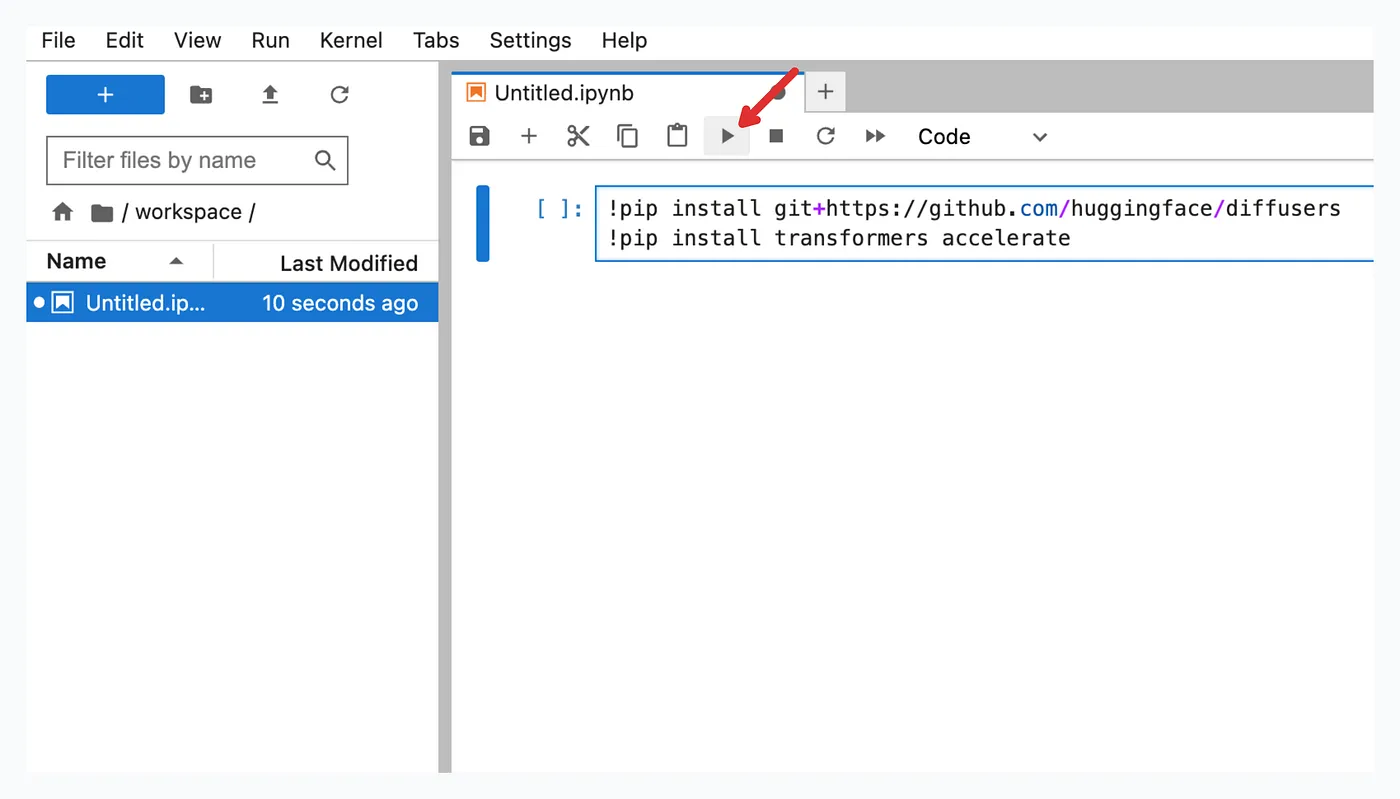
You will need the following packages, also make sure to use the latest version of diffusers :
!pip install git+https://github.com/huggingface/diffusers
!pip install transformers accelerate
Generate 🧨
import torch
from diffusers import DiffusionPipeline

pipe = DiffusionPipeline.from_pretrained(
    "Efficient-Large-Model/Sana_1600M_4Kpx_BF16_diffusers",
    torch_dtype=torch.bfloat16,
    variant="bf16",
)
pipe.to("cuda" if torch.cuda.is_available() else "mps" if torch.mps.is_available() else "cpu")

# attention fails with bfloat16 due to dtype mismatch
pipe.vae.to(torch.float32)

# tiled (V)AE, otherwise OOM on 24 GB VRAM
# +increase tile_sample_min_{height,width}, default is 448 -> visible artifacts with 4x4k img
pipe.vae.enable_tiling(tile_sample_min_height=1024, tile_sample_min_width=1024)

image = pipe(
    prompt="A melting apple",
    height=4096,
    width=4096,
    guidance_scale=5.0,
)[0]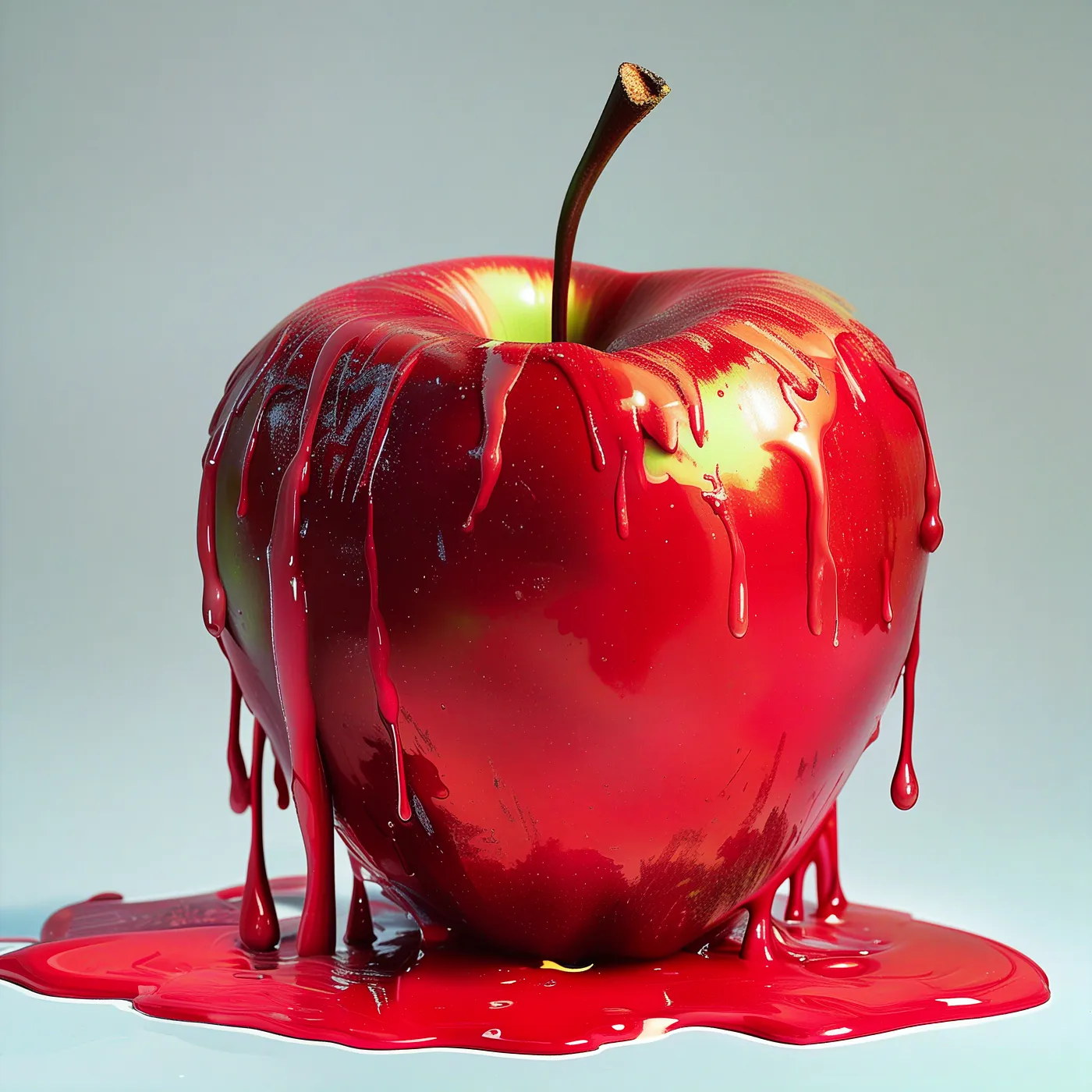
Just a few lines of code thanks to the hard work of a lot of people.
A True Team Effort
What’s particularly exciting about Sana’s development is the collaboration between different teams:
- NVIDIA and MIT’s HAN lab contributing essential components and optimizations
- The Hugging Face diffusers team works tirelessly to make Sana accessible to everyone
Just in the past few weeks, they’ve fixed numerous bugs, added LoRA fine-tuning support, and implemented new features like 8-bit quantization. It’s amazing to see how fast development moves when teams work together like this. Thank you!
The Fine Print
As amazing as this sounds, there are some important things to note:
License Restrictions
- The model is for non-commercial use only
- It’s allowed to run exclusively on NVIDIA GPUs
Limitations
Like many AI image models, Sana struggles with
- Human anatomy, you might notice weird hand positions or anatomically incorrect features.
- Text rendering
Conclusion
Despite the limitations, Sana’s 4K model is a significant achievement. The ability to generate such high-resolution images in seconds rather than minutes shows how far we’ve come in optimizing these models. While the license restrictions are unfortunate, the technical achievements here are impressive and point to an exciting future for text-to-image generation.